












Drag the slider below to see an instant Flex-G user quote.
No extra fees, plenty of extra features, all powered by your broadband connection
Use this checker to see how much it costs to call a specific number.
Enter the phone number with country code (you can paste the full number).
Choose how long the call will be (in minutes).
We’ll instantly show:
The destination/network (e.g. UK Mobile – EE)
The rate per minute
Any setup charge (per call)
The total cost for your chosen call length
Phone rates are based on prefixes (the first part of a number).
When you enter a full number, we automatically match the most specific prefix, so you get the correct destination and price.
If there’s ever more than one possible match, you’ll see a dropdown so you can pick the right destination.
Subscribing to a new telephone supplier can be a full-blown job, here’s how we stack up against the competition!
* Figures used researched independently. Comparison date: 19/07/2024.
We let our large 75+ feature-set speak for themselves. Automate your phone line with time diraries, record your calls, SMS, auto-setup and much more.
* A valid Giant VoIP subscription is required
VoiceCloud comes packed with a set of pre-loaded professionally recorded audio announcements so you can hit the ground running with HD quality audio. Listen to the samples below:
Hear the difference.
Call from your business landline number on your mobile phone, better equip your engineers while they’re on the road – Get the most out of your VoIP telecom solution.
* A valid Giant VoIP subscription is required
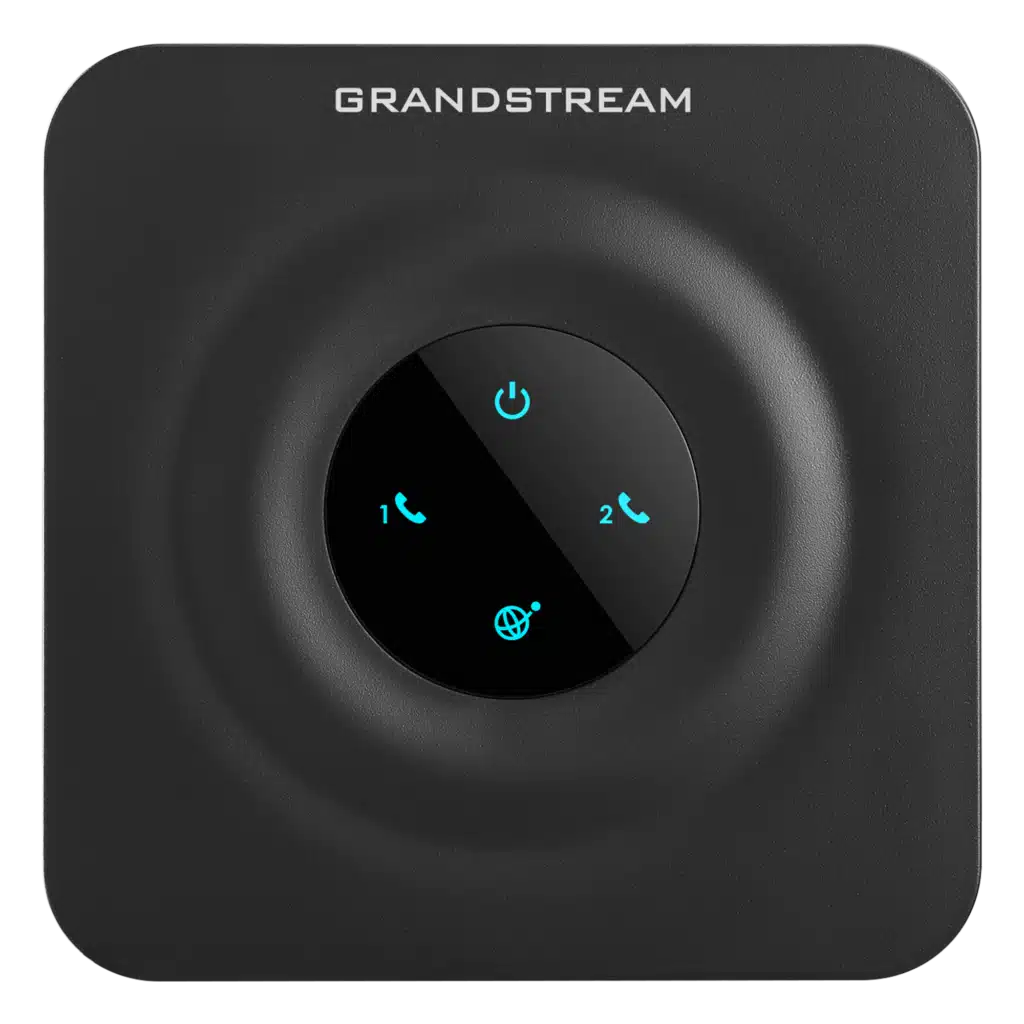
Flexibility and convenience, we want to provide you with the freedom to use the equipment that best suits your needs. You are more than welcome to bring it along and seamlessly integrate it into our system. We strive to ensure that your experience with our service is personalised and tailored to your preferences, and allowing the use of your own VoIP device is just one way we can achieve that.Â
* Device must be compatiple.
Here’s some answers to our most popular business voip questions.
“VoIP”, or Voice over Internet Protocol, is a communication technology that uses the Internet instead of traditional analogue telephone lines for the purpose of making telephone calls. You can make and receive calls using data if you have WiFi or a decent 3/4G connection. A modern way of making a phone call if you will, and its quality is far superior to that of a traditional analogue line, although most people cannot tell the difference. Many people associate VoIP with consumer-type VoIP services; however, this cannot be compared. Utilizing business quality HD VoIP technology, we operate a carrier grade network to make calls to you. Our call quality is among the best available.
No – You should be able to use Giants’ cloud VoIP system on any other internet providers network, including any mobile carriers, aslong as the required ports are open (usually they are as standard).
You are correct. It includes hosting your numbers, lines, and users, as well as giving you access to your online dashboard and cloud communications center.
Various package options are available to suit all sizes, and you can add extras to tailor your own package.
In order to make outbound calls, you must either have credit on your account or be subscribed to one of our landline or mobile call packages. There is only one exception to this rule: when you call between users (e.g. by dialing the extension number of another phone on the same network), you are not charged.
If you currently pay for and possess a valid PPLPRS license, then yes, you can enjoy any music you like in the UK. See here. Or click here toview their current tariffs here.
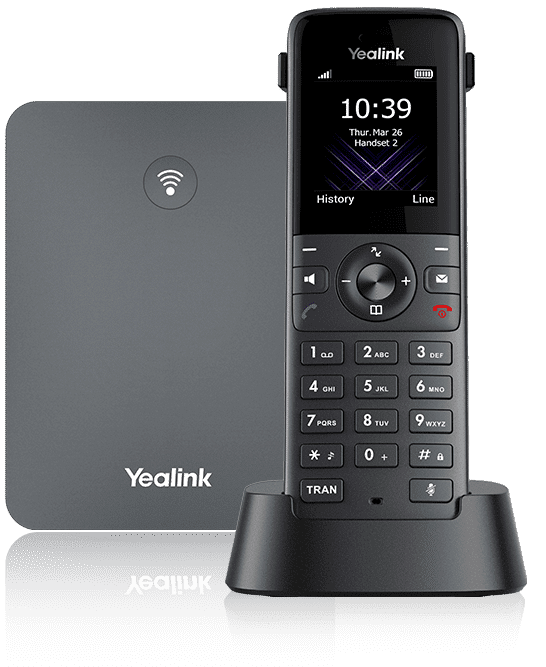
Giants’ business VoIP services are compatible with equipment from Yealink, Panasonic, Mitel, Polycom, Gigaset, Fanvil, and many others. We provide a free virtual landline application that you can use if you do not have a business phone from one of these manufacturers.
A simple transfer in which your provider releases your number quickly will take between eight and twenty days. The transfer of single lines occurs at the lower end of the timescale and multiple lines at the higher end. It is extremely important that you upload your ID documents as soon as possible and we will process your transfer as soon as possible. If you wish, you may also specify a future date for the transfer.
Yes – You are able to set up ‘fail-over’ call routing to automatically detect and divert your incoming calls to a mobile phone or you can also use our FREE Virtual Landline app, this will act just like a VoIP handset, just on your smarthpne instead.
VoiceCloud will work on your every day devices, making it easier for large corporations, freelances and small businesses to access their telephone system with ease and without disruption, there is always a way to communicate with VoiceCloud.
VoiceCloud is a highly flexible VoIP platform for Business, it allows you to set up your devices with ease with a long list of supported hardware. Bring your devices from anywhere, no need to invest in a new set of devices.
Step 1: Order your device.
Step 2: Add the device to your VoIP account using the device’s MAC Address with your associated user extensions.
Step 3: Plug it in! The rest is done automatically.
Step 1: Order your ATA.
Step 2: Add the ATA to your Giant VoIP account using the device’s MAC Address and Serial Number with your associated user extensions.
Step 3: Plug your ATA into your router and your analogue phone into the ATA. The rest is done automatically.
Step 1: Access the VoiceCLoud set up wizard within your account.
Step 2: Invite your users and link extensions.
Step 3: Download and Install the FREE app.
Step 4: Scan the QR code recieved from the VoiceCloud Invitation email. ANd you’re done!

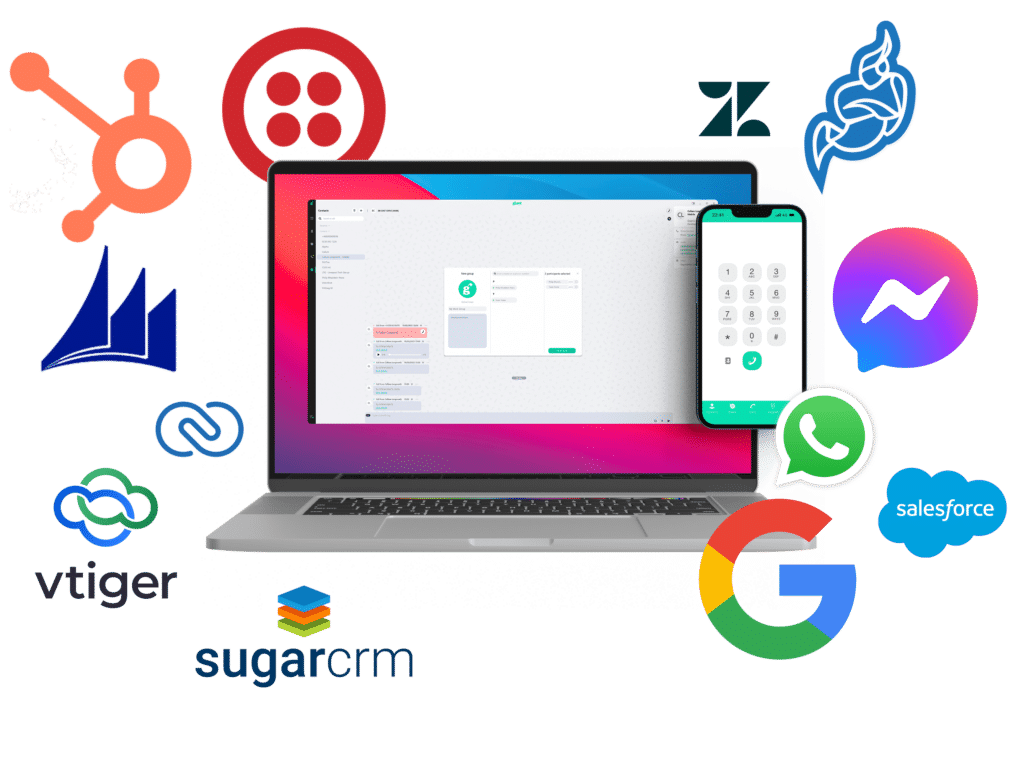
Integrate with Hubspot to sync call records, contacts, call details and more.

Integrate with Zendesk to sync call records, contacts, call details and more.

Integrate with Zoho CRM to sync call records, contacts, call details and more.

Integrate with Dynamics 365 to sync call records, contacts, call details and more.

Integrate with Freshdesk to sync call records, contacts, call details and more.

Allow sending and receiving SMS/MMS via Twilio for users.

Integrate with Jitsi to enable instant video meetings for users.

Contacts syncing between Google Contacts.

Contacts syncing between Microsoft 365 and VoiceCloud.

Integrate with Zoho One CRM to sync call records, contacts, call details and more.

Integrate with Salesforce to sync call records, contacts, call details and more.
Coming Soon

Coming Soon
Integrate with Pipedrive to sync call records, contacts, call details and more.

Integrate with Halo PSA to sync call records, contacts, call details and more.

Planned - Realtime communication via Whatsapp.

Planned - Realtime communication via Messenger.

Planned - Realtime communication via Telegram.

Planned